
Hutchinson County Traffic Warrants Explained
A traffic warrant follows a court case, not a driving-history search. In Hutchinson County, a city citation may belong to Borger, Fritch, or Stinnett Municipal Court; a county or precinct ticket may be with JP1 or JP2. The ticket or court notice identifies the issuing route. A missed date or unpaid obligation can trigger court action, but the exact step and label depend on that court.
Keep the citation number and court name nearby. An HCSO list may provide an initial check for its County, JP1, or JP2 scope, but a municipal case needs a city-court confirmation. No single public Texas warrant database joins all five local traffic routes.
Where Hutchinson County Traffic Cases Start
The court on the paper is the key distinction. Borger handles city traffic and Class C matters. JP1 serves its precinct from Stinnett, and JP2 serves its precinct from the Borger Annex. Fritch and Stinnett also have municipal courts. If the citation names a city court, a county or JP list may not include it.
| Citation route | First check | Local limit |
|---|---|---|
| Borger | Municipal Court | Phone call alone is not appearance |
| JP1 / JP2 | HCSO precinct page and issuing JP | Separate scopes and phone numbers |
| Fritch / Stinnett | City municipal clerk | No public warrant list located |
Checking for a Traffic Warrant
Begin with the issuing court and citation number. HCSO's County, JP1, and JP2 pages show a Defendant Name field, but their live results, required status, and partial-name behavior were not verified. Borger publishes a separate municipal list with a warning that it may not be current. Stinnett's portal is for municipal citations and utility billing, not a visible warrant search.
- Use the HCSO page that matches County, JP1, or JP2 if the citation belongs to that scope.
- For Borger, review the city's list and then contact Municipal Court about a possible match.
- For Fritch or Stinnett, call the municipal court because no public warrant search was located.
- Ask the issuing clerk for the current status and response method before appearing or paying.
Hutchinson County Citation Search Gaps
The local interfaces do not provide one verified set of search fields. HCSO exposes the Defendant Name label but not its validation rules in the inspection. The Odyssey portal redirected to a User ID and Password screen. Borger's list is separate and may be stale, while Fritch has no located public warrant list. A payment screen or name field should not be treated as proof that a warrant was recalled.
If the online route fails, use the phone number printed by the relevant court or list. For a county-court record, the County Clerk or District Clerk can explain portal access, but those offices do not replace a JP or city clerk.
Inside a Traffic Warrant Record
The current online HCSO result fields could not be confirmed. An older JP1 list from 2018 shows that a historical entry could pair a case or citation with an offense, date, bond or fine, status, location, and issuing authority. Those are archived columns only. Ask the current court which identifier and terms apply to the ticket in hand.
| Citation / case identifier | Citation numberUse the number printed by the court; no local format was verified. |
|---|---|
| Offense and date | The older JP1 schema kept these as separate fields. |
| Issuing court | Confirm whether the matter is Borger, Fritch, Stinnett, JP1, or JP2. |
| Bond or fine | Historical field only; call for current terms. |
| Status and authority | Older print columns showed status/date, location, and issuing authority. |
Hutchinson County Traffic Response Options
Borger's court page permits in-person, regular-mail, email, or fax response. It also says that a phone call alone does not constitute an appearance. Its payment-options page describes online citation payment, plans, extensions, and community service as court options. Those routes are specific to Borger; they do not establish the options in Fritch, Stinnett, JP1, or JP2.
The payment page is the source for Borger's listed options.
Borger Municipal Court payment options
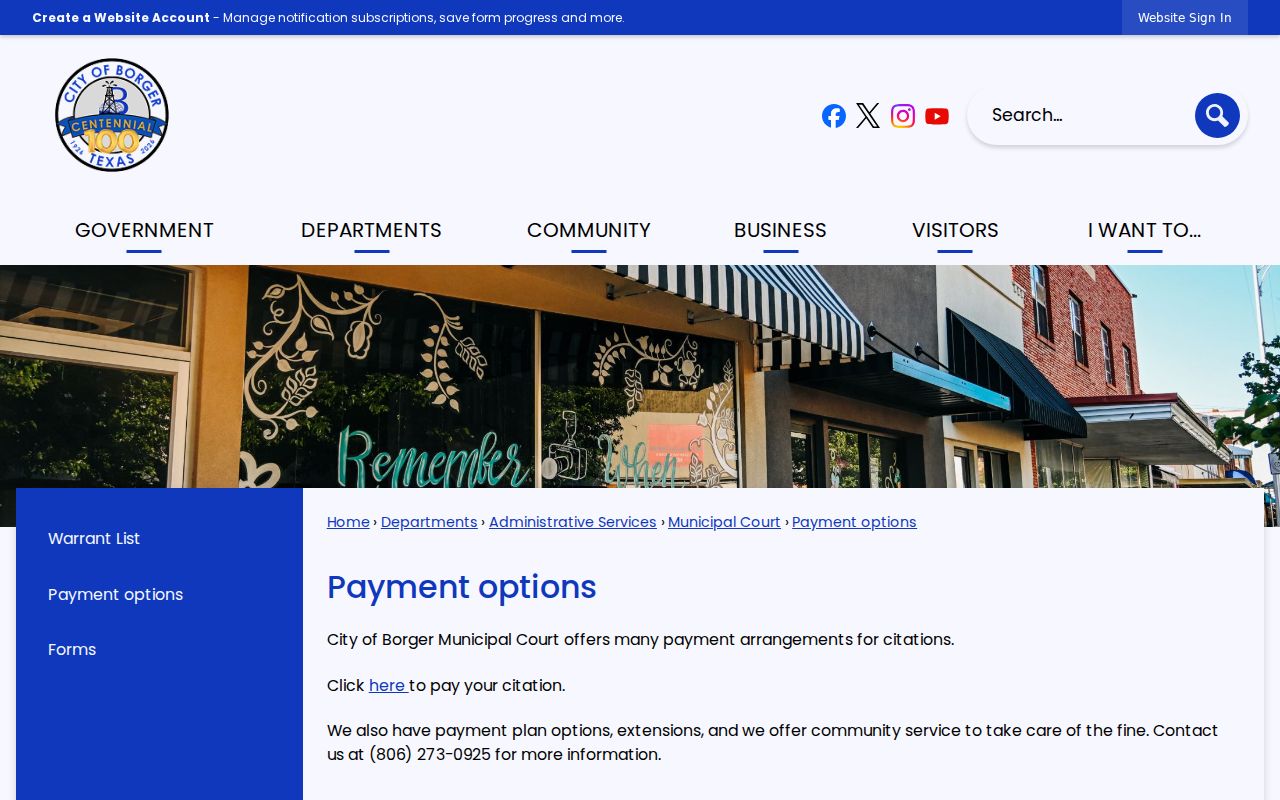
Call Borger Municipal Court before paying so the clerk can explain the effect on the case and any warrant.
How to Pay or Lift a Traffic Warrant
Do not assume that paying a citation account automatically clears a separate warrant. Call the court that issued the ticket, ask whether payment, a new setting, or another court action is accepted, and confirm how the clerk will show the status afterward. For a contested matter, ask an attorney whether a bond or appearance is appropriate. No universal local bond amount or warrant walk-in procedure was found.
- Read the citation and identify the court and case number.
- Call the clerk to confirm whether a warrant or FTA entry exists and what response is accepted.
- Ask an attorney about appearing, contesting, paying, or seeking a recall.
- After court action, confirm the case entry and ask whether DPS also needs an update.
Warning: Court payment and warrant status are separate questions; confirm both with the issuing court before relying on an online receipt.
Hutchinson County DPS FTA and FTP Holds
Texas DPS's Failure to Appear/Failure to Pay program concerns driver-license renewal after a court report. It is not a warrant database, and DPS specialists do not confirm whether a warrant is outstanding. The sequence is court compliance, court reporting, then DPS processing. Check with both the court and DPS if a license hold remains after the case action.
DPS pages give different processing language, with one describing three to five business days and another saying up to seven. Treat those as estimates that differ by page, not a promised deadline.
A driver-license renewal hold is a state administrative consequence that may follow court reporting. Clearing that hold does not itself prove a court warrant was recalled, and resolving court process does not necessarily update DPS immediately. Keep the court receipt and follow the separate state instructions if both issues are present.
The state page explains the FTA/FTP license consequence.
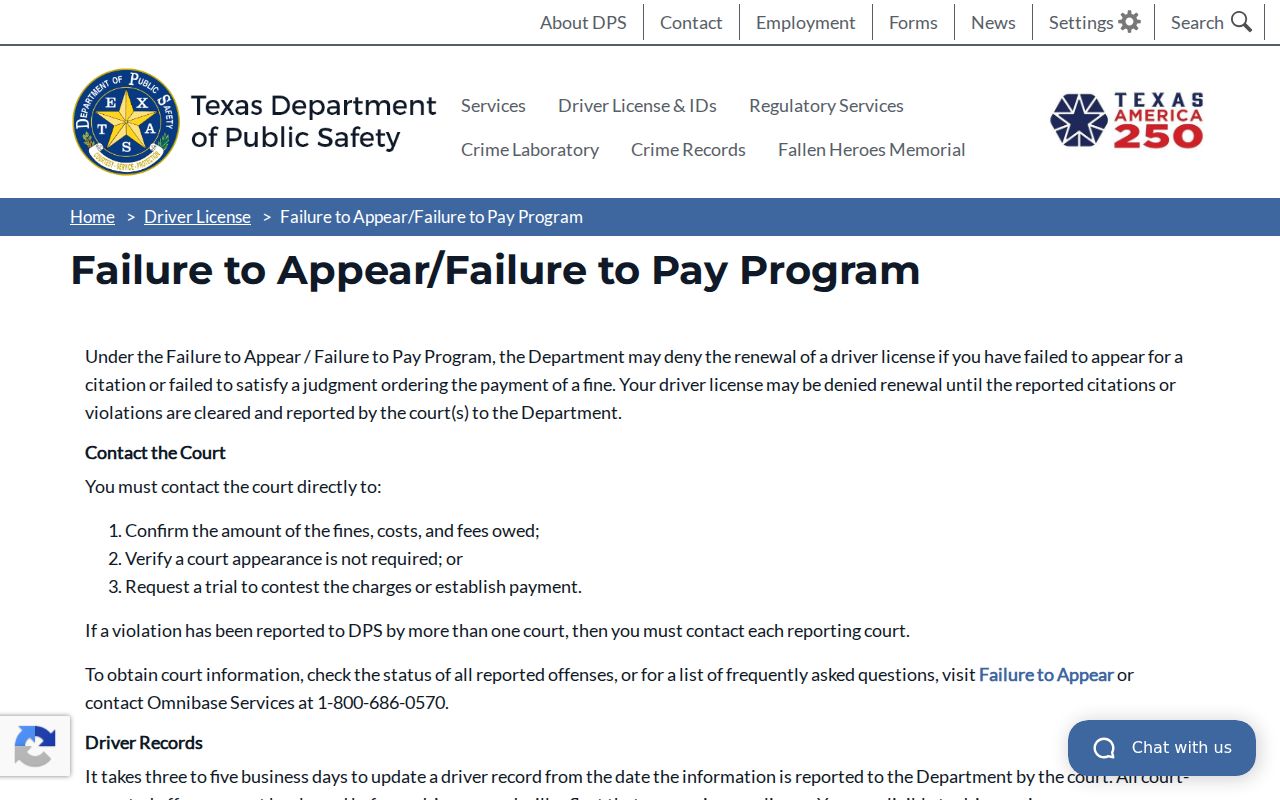
Use DPS for license-renewal status, and the issuing court for warrant status.
Traffic Warrants, FTA, and License Holds
One traffic case can raise distinct questions. The warrant is court process; an FTA or capias is a case action after a missed duty; the DPS program handles a reported compliance issue that may affect license renewal. Do not treat a license hold as proof of a warrant, or a warrant search as a DPS status check.
| Mechanism | What Triggers It | What It Does |
|---|---|---|
| Court warrant | Action by the issuing court | Confirm with the court; terms vary by case |
| FTA / capias | Missed required setting or obligation | Ask the court what process was entered |
| DPS FTA/FTP hold | Court reports noncompliance | May affect license renewal; not a warrant search |
Hutchinson County JP Traffic Contacts
When a ticket names a justice court, use the matching precinct. JP1 is based in Stinnett and lists Monday through Thursday office hours, plus its own magistration link. JP2 is at the Borger Annex and lists a lunch closure during its weekday hours. These contacts answer different case files and should not be swapped because a citation is described simply as a traffic ticket.
JP1 and JP2 publish different office schedules and remote-magistration links, and JP2 lists a lunch closure. These are office-access details, not a warrant appointment or a shared calendar. Check the relevant precinct page before a visit, then confirm with its clerk that the traffic citation is actually filed there.
The JP contact pages list different schedules and separate remote-magistration links. Those details help route an office visit or post-arrest question, but they are not a walk-in warrant recall service. Confirm current hours and whether the clerk handles the specific case before traveling to either location.